
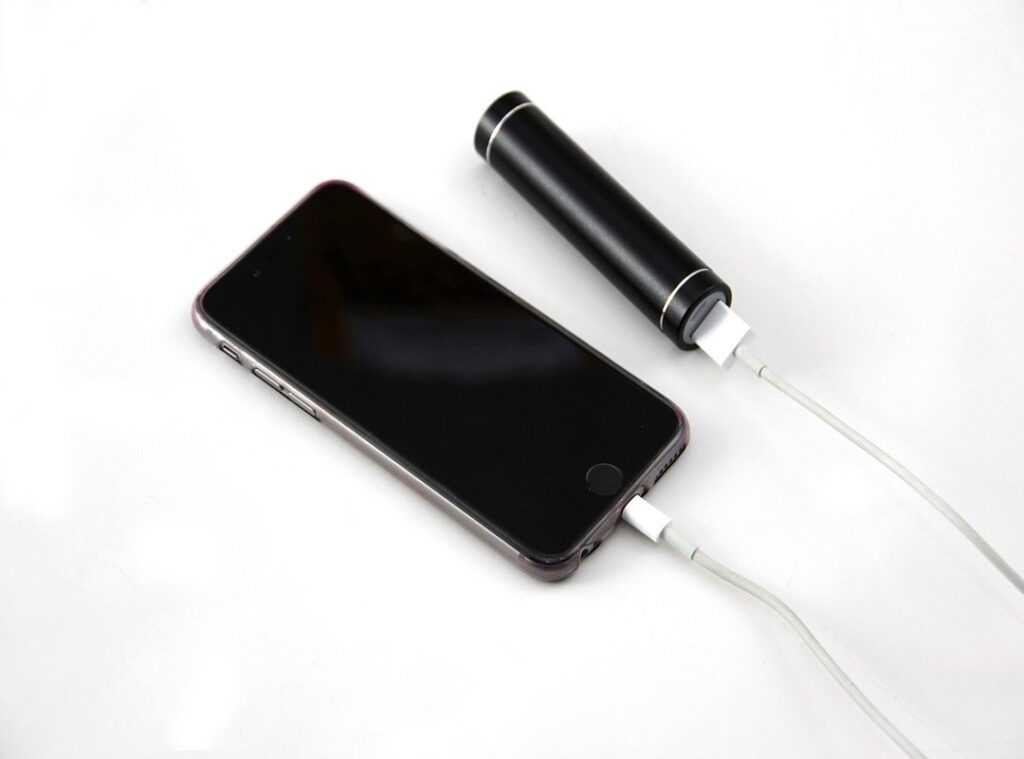
We’ve all been there. You’re out and about, your smartphone starts dying, and suddenly you’re cut off from the world. Frustrating, right?
Optimizing your battery life isn’t just a nice-to-have; it’s important for anyone who uses their phone daily. Without good battery management, you’re left scrambling for a charger.
I’m here to share some straightforward smartphone battery tips that can really make a difference. You might be wondering if these tips will actually work. Trust me, they do.
With the right strategies, you can squeeze every last drop of battery life from your device. I’ve gathered practical takeaways that anyone can set up.
You don’t need to be a tech guru to make your phone last longer. Let’s dive into these tips so you can stop worrying about your battery and get back to enjoying your smartphone. This article will guide you, step by step.
Battery Basics: Powering Your Pocket
Let’s talk about smartphone batteries. Ever wonder why your battery drains so quickly? It’s not just your endless TikTok scrolling (although, come on, we both know that’s part of it).
When we break it down, there are three things to focus on: battery life, battery health, and battery capacity.
Battery life is how long your phone runs before you need to plug it in again. Battery health is a measure of how much your battery’s capacity has diminished over time. And battery capacity?
It’s basically the total energy your battery can hold when fully charged.
Now, what eats up your battery? Streaming video, high brightness settings, and running multiple apps at once are huge culprits (yes, Instagram and YouTube together are a deadly combo). But it’s more than just app usage.
Constant notifications zap your power too. Setting your phone to “Do Not Disturb” can help save some juice.
Inside your phone, there’s a lithium-ion battery, a bit of tech magic that keeps everything running. It converts stored energy into power. These batteries are reliable but not eternal.
Want some smartphone battery tips? Keep it cool. Heat is the enemy.
Avoid charging in direct sunlight or hot environments. Your battery. And you (will) thank me.
Battery Drainers: Keep Your Phone Alive
Ever feel like your smartphone battery’s evaporating? You’re not alone. Apps like social media, GPS, and streaming suck the life out of batteries.
They’re the culprits we love to hate. I learned the hard way when my phone died in the middle of a road trip (talk about timing).
Screen brightness is another sneaky thief. Keeping it at full blast is like inviting a vampire to dinner. Your eyes.
And your battery (will) thank you for dimming it. And don’t get me started on background activity. Those updates happening in the shadows?
Yeah, they drain more juice than you think. Check your settings and you’ll see what I mean.
Here’s a common mistake: forgetting to adjust location services. Apps don’t need to know your every move. Limit access and you’ll save power.
Same goes for Bluetooth. Use it when needed, not all day. Want a pro tip?
Airplane mode is a lifesaver in low-signal areas.
You might also want to check out how boosting wifi strength home can help. It’s a small change that makes a big difference. These smartphone battery tips sound simple, but they make all the difference.
Save yourself the frustration and make these tweaks today.
Power Up: Smartphone Battery Tips That Work
Let’s face it, nothing’s worse than a dead phone when you need it most. Want to squeeze every bit of juice out of your battery? Start by tweaking your settings.
Lowering screen brightness and turning off background app refresh can work wonders. Don’t just take my word for it. Your phone’s settings menu is a goldmine for battery-saving options.
Managing apps is key. Do you really need all those notifications? Probably not.
Disable push notifications for apps that aren’t important. It’s like decluttering your digital life. And remember, closing apps you aren’t using helps too.
It might sound basic, but it makes a difference.
Speaking of basics, let’s talk charging habits. Are you letting your phone die completely before charging? Stop.
Regular charging cycles are better. Aim for keeping your battery between 20% and 80% for optimal health. It’s like a workout for your battery.
Now, about storage. Ever thought about where you leave your phone? Heat and cold can mess with battery life.
Keep your phone in a moderate environment. It’s simple, but effective.
For those of you who want to dive deeper into battery care, check out Apple’s guide on batteries. They’ve got some solid tips.
All these smartphone battery tips boil down to one thing: be smart about your phone habits. It’s not rocket science, just a bit of attention. And hey, your phone will thank you for it.
Mastering Battery Life: Pro Tips and Tricks
Got a smartphone that dies faster than your attention span during a boring meeting? You’re not alone. Let’s talk about some smartphone battery tips that actually work.
Ever tried low power mode? It’s like your phone’s version of a nap. It cuts down on background activity, saving precious juice.
And don’t sleep on battery saver features (pun intended). They’re there to help.
But wait, there’s more. Battery management apps can be your best friend. They monitor usage and suggest optimizations.
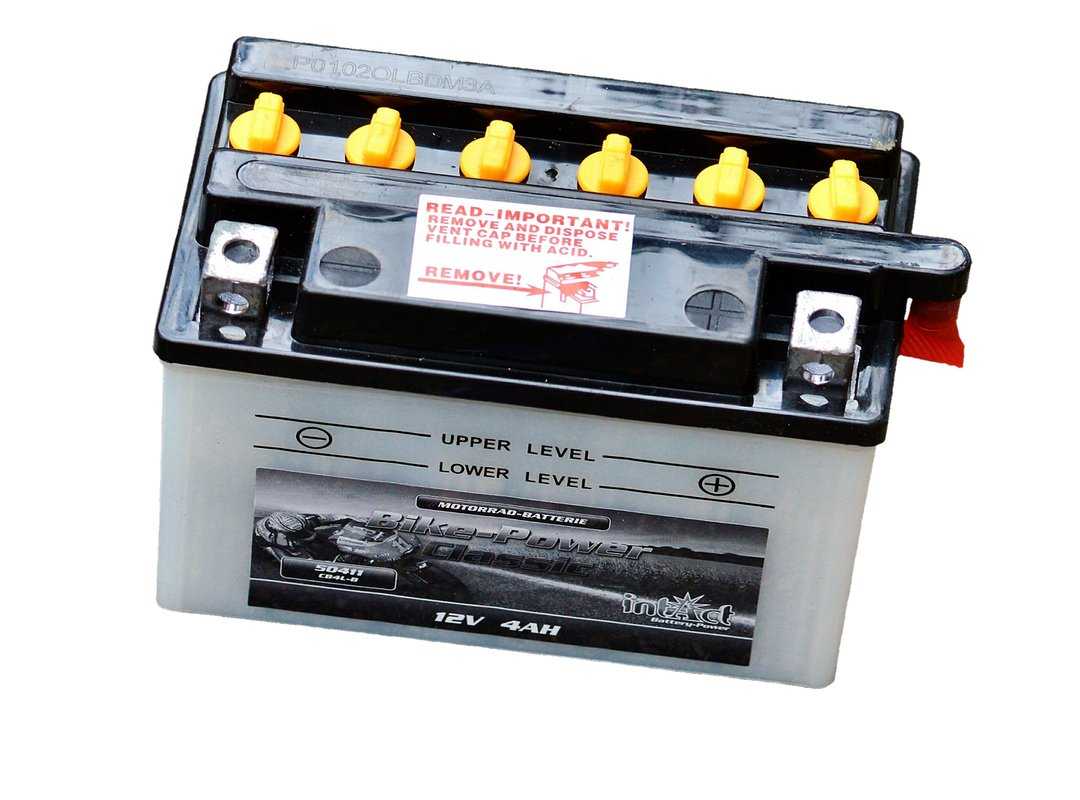
Think of it as a personal trainer for your phone. And if you’re really serious, hardware solutions like battery cases or portable chargers are worth considering. They give your phone that extra boost when it needs it.
Here’s a pro tip: know when to charge. Keeping your battery between 20% and 80% can prolong its life. Who knew, right?
And while we’re talking tech, check out these important apps for remote learning. They’ll help you stay productive, even when your phone’s battery is low.
In the end, it’s all about choices. Some save battery, others drain it. Which side are you on?
Battery Optimization: Myths and Must-Knows
Let’s get real about your smartphone’s battery. Ever heard that you should let it die before charging? That’s nonsense.
Modern batteries are smarter than that. You can plug them in anytime. Trust me, your battery won’t hold a grudge.
Now, what’s this about battery calibration? It’s like aligning your car’s wheels. It helps your phone show the correct battery percentage.
But it’s not magic. If your battery is dying fast, calibration won’t fix it.
Are you thinking about replacement? If it’s draining faster than you can type a text, it might be time. Still, check for rogue apps first.
They love sucking power when you’re not looking.
Here’s a pro tip: Keep your phone cool. Heat is a battery’s nemesis. So, don’t let your phone sunbathe.
Need more smartphone battery tips? Keep it simple: charge smart, check settings, and stay cool. Got questions?
I’m here to explore them with you.
Boost Your Smartphone Life
Battery optimization is key for a smooth smartphone experience. I’ve shared some practical smartphone battery tips that can a lot extend your battery life. Set up these strategies and see the difference for yourself.
Are you tired of your phone dying when you need it most? You can take control of your battery life today. Make these changes and stop feeling frustrated.
If you want a smooth experience, start using these tips now. Your smartphone deserves it. Don’t wait.
Take action and enjoy a fully charged life. You’ll thank yourself later.
 Adrian Sowaowski is the Founder and Chief Technology Visionary behind Anwaytek.com, a tech-focused platform based in Levelland, Texas. With a forward-thinking mindset and a deep passion for innovation, he established the platform to explore and share insights on emerging technologies, modern tech trends, and cutting-edge digital solutions.